

App tags
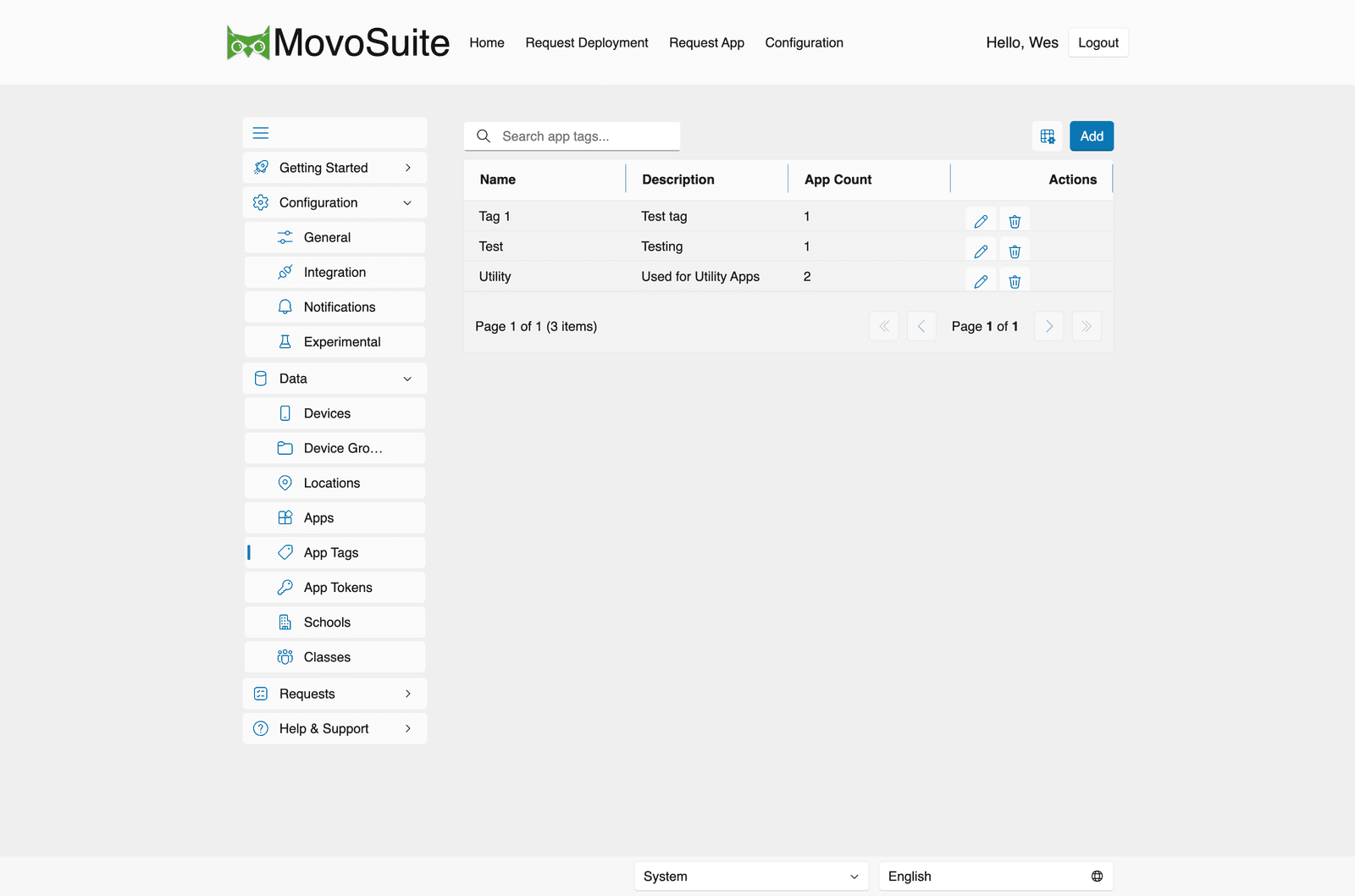
Data → App Tags lets you define tags to categorize apps in the catalog. Each row shows:
| Column | Meaning |
|---|---|
| Name | The tag’s name (e.g. Utility, EVERYONE, a grade or subject). |
| Description | What the tag is for. |
| App Count | How many apps currently carry the tag. |
| Created | When the tag was created. |
Use Add to create a tag. Tags appear on app cards and power the All Tags filter in the deployment form, so teachers can narrow a long catalog to just the apps relevant to them. Assign tags to apps from the Apps screen.