

Locations
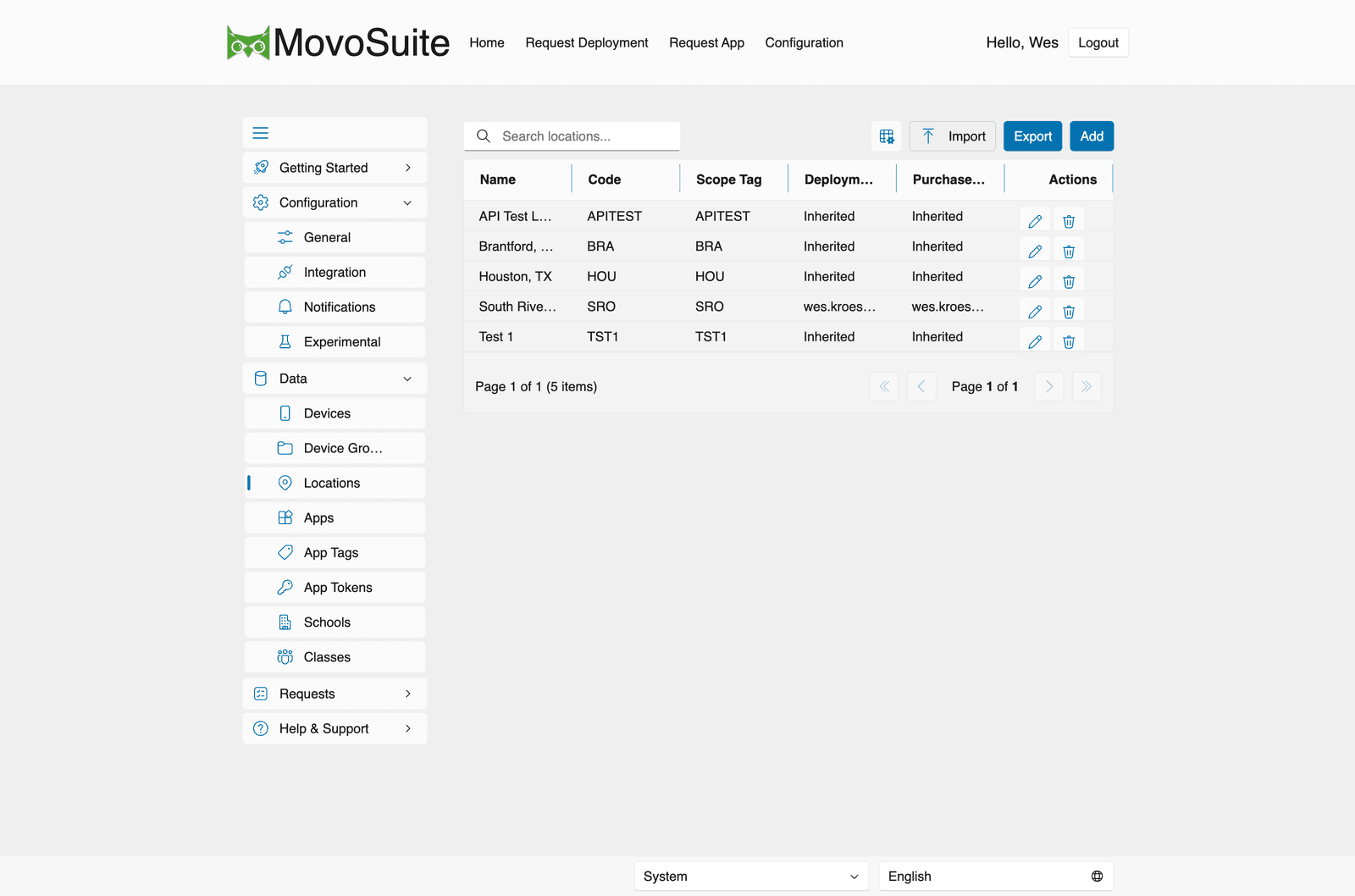
Data → Locations lists your locations. The table shows Name, Code (short code), Scope Tag, the Deployment and Purchase approvers (or Inherited), with per-row Actions. Use Add to create a location, and Import / Export to bulk manage them.
Locations underpin much of MovoSuite’s automation. Creating a location only persists the
location record; the provisioning below is performed asynchronously by the scheduled
location sync (LocationSync, hourly — see
Scheduled actions), not at the moment of creation.
That sync provisions and reconciles:
- an Intune scope tag with the location’s short code;
- an assigned self-service group (default
Z-SG-<CODE>-Self Service Users); - an assigned field-tech group (default
Z-SG-<CODE>-Field Tech Users); - an assigned device group (default
Z-DG-<CODE>-All iOS Devices) — membership is reconciled by adding the Entra ID device objects of devices assigned to the location (it is an assigned group, not a dynamic name-matching group).
(Prefixes are configurable under General → Naming.)
Per location you can also set:
- a delegated approver for deployment and for purchasing — this location-specific approver handles the request first. If Use Two Stage Approval is enabled in General, approval then continues to the tenant-level approver; otherwise the location approval completes the approval flow;
- an associated VPP token (App token) — this records an internal token↔location mapping; self-service visibility is driven by that mapping plus the location’s own scope tag (carried on the per-location role assignment). It does not stamp the location’s Intune scope tag onto the token itself.
Location groups, tags, and roles are also reconciled on a schedule — see Scheduled actions.