

App tokens (VPP)
Data → App Tokens lists your Apple Volume Purchase Program (VPP) tokens — the content tokens MovoSuite uses to see and assign purchased apps.
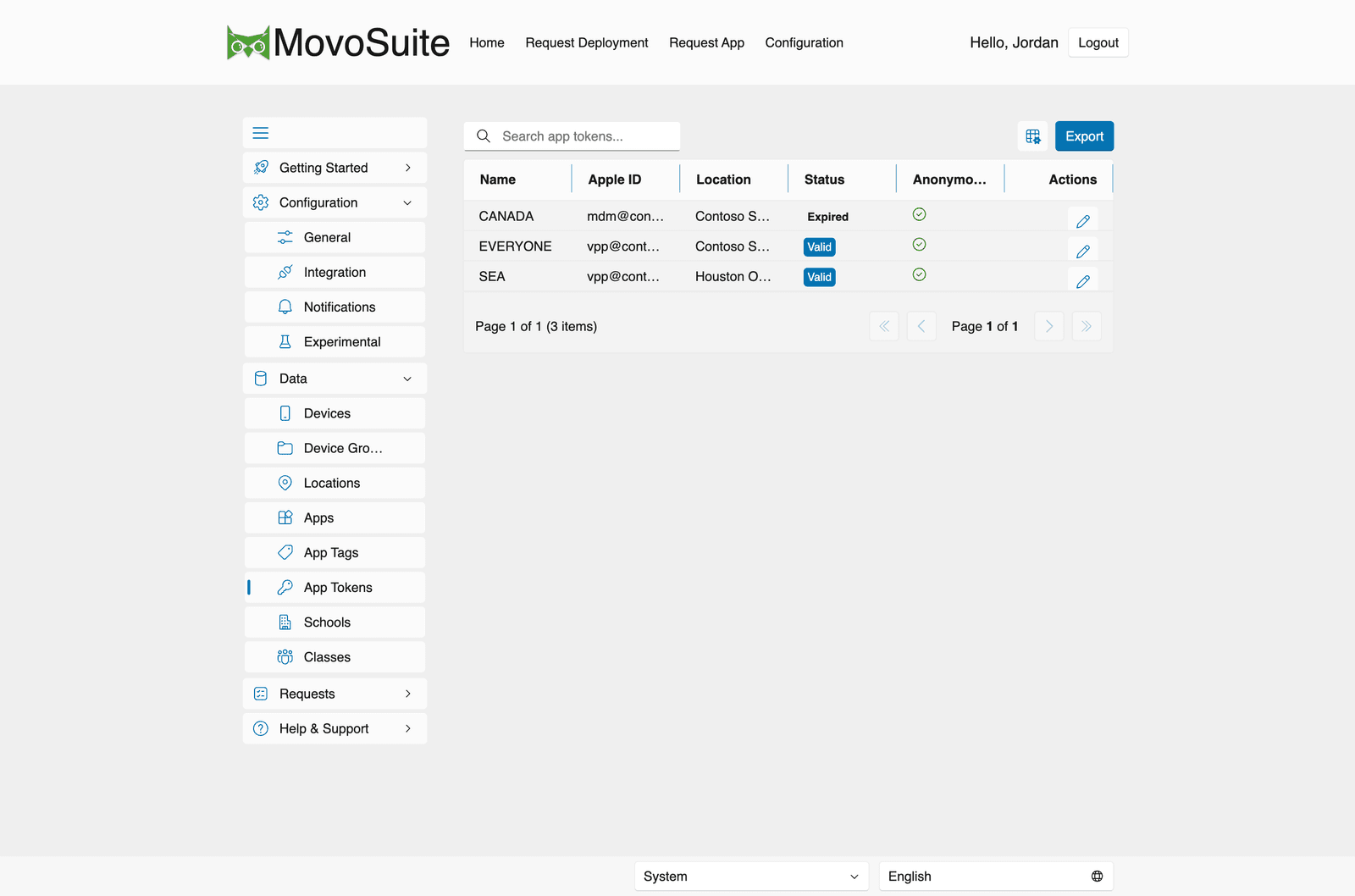
Each row shows:
| Column | Meaning |
|---|---|
| Name | The token’s name (often the Apple location/organization, e.g. EVERYONE, CANADA). |
| Apple ID | The managed Apple ID the token belongs to. |
| Location | The Apple location the token belongs to in Apple School/Business Manager (read-only, synced from Intune). This is not a MovoSuite location. |
| Status | The Apple token state — Valid, Expiring, Expired, or Invalid. |
| Anonymous Access | A boolean on/off flag for whether this token’s apps appear in anonymous / self-service forms. |
| Actions | Per-token actions. |
Use Export to export the list.
Tokens and locations
Section titled “Tokens and locations”To choose which MovoSuite locations a token’s apps are for, select the token’s edit (pencil) button under Actions, pick them under Locations, and save. A token can be linked to any number of locations. Links set on a location by older MovoSuite versions move to this screen automatically within an hour of the update.
- iPad app catalog: iPads at a linked location see the token’s apps.
- Deploy page: members of a linked location see the token’s apps when Include All Apps and Devices for Location Selection is on.
- Apps on tokens with Anonymous Access on are available at every location, linked or not.