

Devices
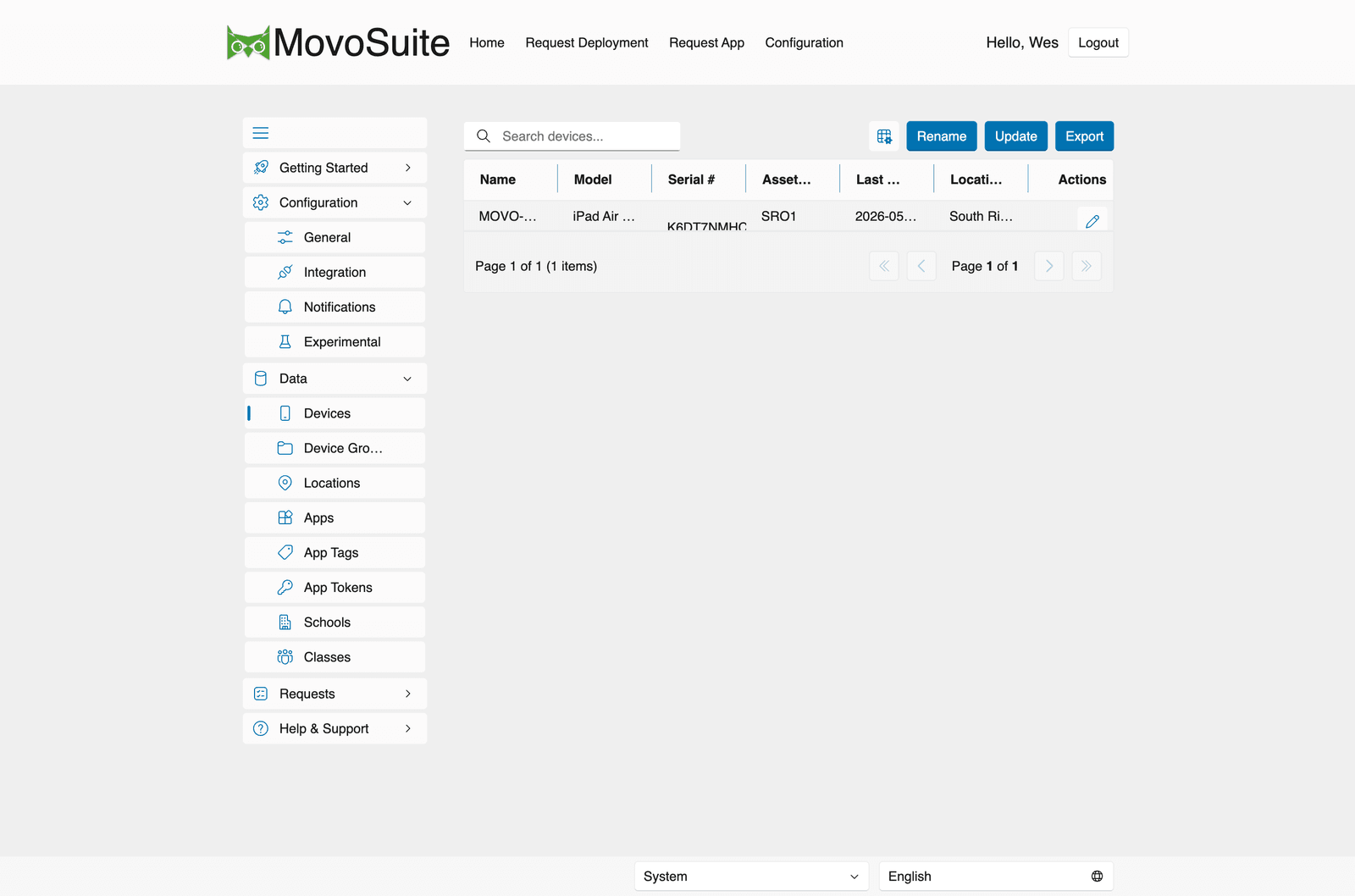
Data → Devices lists the devices MovoSuite has recorded for enabled platforms (Configuration → Onboarding / Experimental: iOS, Mac, and/or Windows Support). Self-service settings do not hide devices here — if a platform is enabled for sync, its devices appear in this list even when that platform is not offered on the self-service deployment form.
The table shows Name, Model, Serial #, Asset (tag), Last sync, and Location, with per-row Actions. Above the list:
- Rename — issue Intune rename commands for devices that don’t match the configured naming convention (see Integration → Device Naming).
- Update — refresh the device list from Intune on demand.
- Export — export the device list to Excel.
Editing a device lets you (re)assign it to a location and edit its asset tag and notes. Reassigning a device updates its name on the next rename cycle if a naming convention applies.
Device lifecycle: removal and re-enrollment
Section titled “Device lifecycle: removal and re-enrollment”MovoSuite keeps its device records in sync with Intune automatically — you don’t need to clean up devices by hand when they leave your fleet.
When the daily Device Cleanup job (see Scheduled actions) finds a device that no longer exists in Intune, MovoSuite:
- Marks the device as removed — it’s soft-deleted (gone from the device list, group views, and deployment pickers) but the record is retained so history isn’t lost.
- Removes it from all device groups — so membership counts stay accurate without manual cleanup.
MovoSuite re-matches a wiped/re-enrolled device by its serial number — a stable identifier across re-enrollments, unlike the Intune device ID — so the existing device record is recognized as the same device and reactivated on a later cleanup cycle. App and group assignments are keyed internally to that retained device record, which is what preserves them across re-enrollment.